Enable Features
- Open the tool website:
https://dont-starve-anim-tool.vercel.app/ or
https://dont-starve-anim-tool.pages.dev/
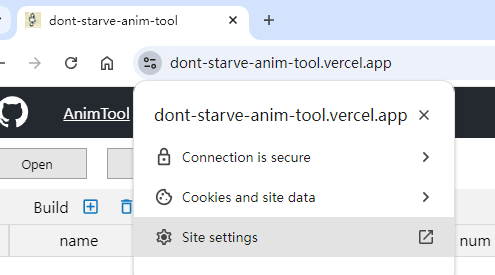
2. Click the button to the left of the URL,Click `Site Settings`。
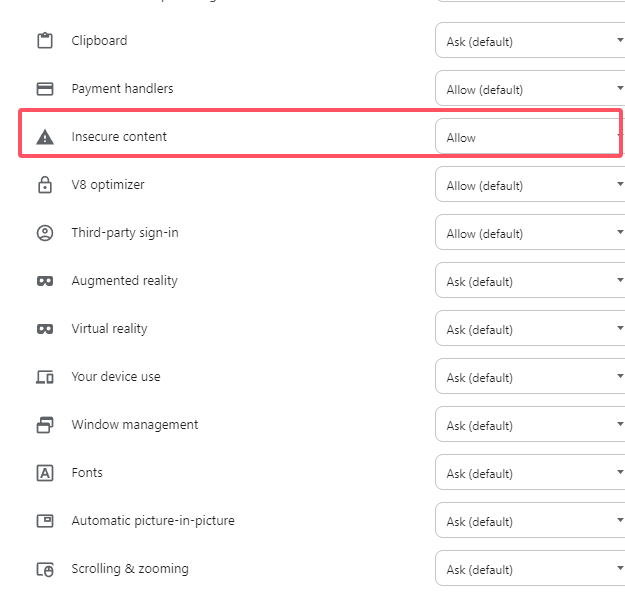
3. In the pop-up page, scroll to the bottom and set the `Insecure content` content to Allowed.
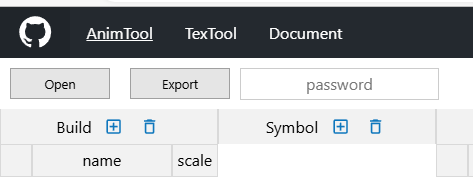
4. Enter key in the password input box in the figure below to use Spine features.